
Service applications and data-management modules
WeldExp shared service applications and data-management modules provide the data, access controls and background processes required for engineering calculators, documentation systems and registers. These modules are not necessarily intended to perform a single engineering calculation; instead, they support consistent operation of the complete software system.
By using shared data sources, templates, permissions and licence information, repeated data entry can be reduced, individual workflows can be connected more easily, and technical data used in different modules can be managed more consistently.

WeldExp Web
Shared entry point and application-management interface for browser-based WeldExp modules.
WeldExp Web provides installation-free access to web-based engineering calculators, databases, documentation tools and related welding-technology services. Users can access the modules allowed by their permissions from a common, consistent interface.
The interface is intended to make separate web applications operate not as isolated tools but as parts of an interconnected engineering system. Navigation between modules, an identified user session and shared data sources make it easier to carry out workflows that build on one another.
- shared access to web-based WeldExp modules;
- applications displayed according to user permissions;
- shared navigation and a consistent user interface;
- access to databases and background services;
- engineering functions usable without desktop installation.
WeldExp Web primarily provides flexible access to tasks that can be performed from a browser, from several computers or without a separate installation process.
Use the WeldExp Modules application!
WeldExp Modules Desktop (WMD)
Shared launcher, module-management and workflow-support interface for WeldExp desktop applications.
WeldExp Modules Desktop brings welding-technology, data-management, register and documentation modules installed on the computer together in a single application. Users do not need to find and start each application separately: available modules are shown in one common interface.
WMD manages module availability, supports navigation between applications and helps transfer data between workflows that build on one another. A previously selected base material, welding consumable, project or other workflow item can therefore be reused in several related applications.
- detection and launch of installed WeldExp modules;
- display of available and authorized applications;
- management of module versions and application information;
- transfer of shared user and workflow data;
- connection of licence-check and activation processes;
- a unified entry point for the desktop system.
WMD is particularly useful for tasks that require local file handling, desktop application functions, more complex document generation or coordinated use of several modules that build on one another.
Would you like to support my work or participate in development? More information is available on the Support page.
WMD Screenshots
Screenshots of WeldExp Modules Desktop.
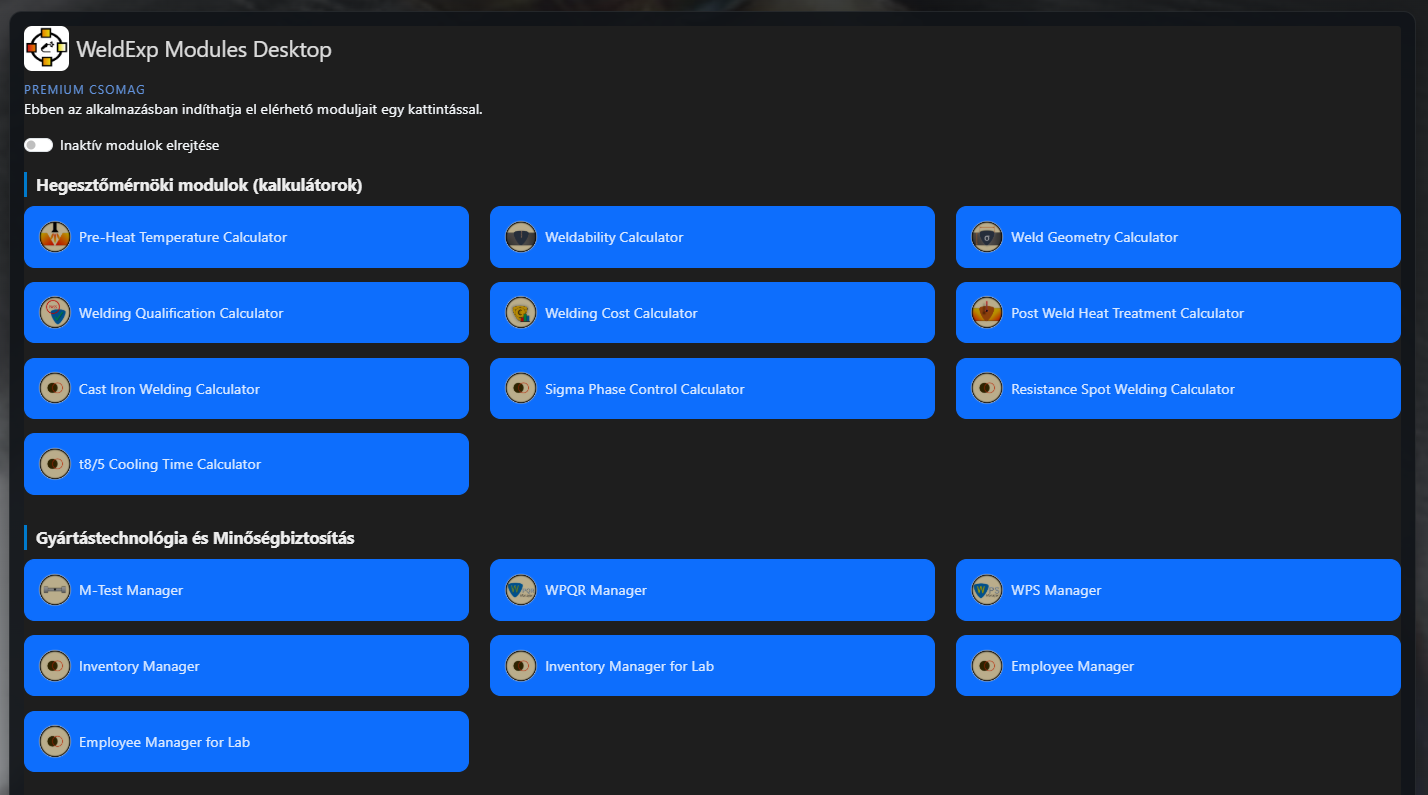
WeldExp Modules application selector. 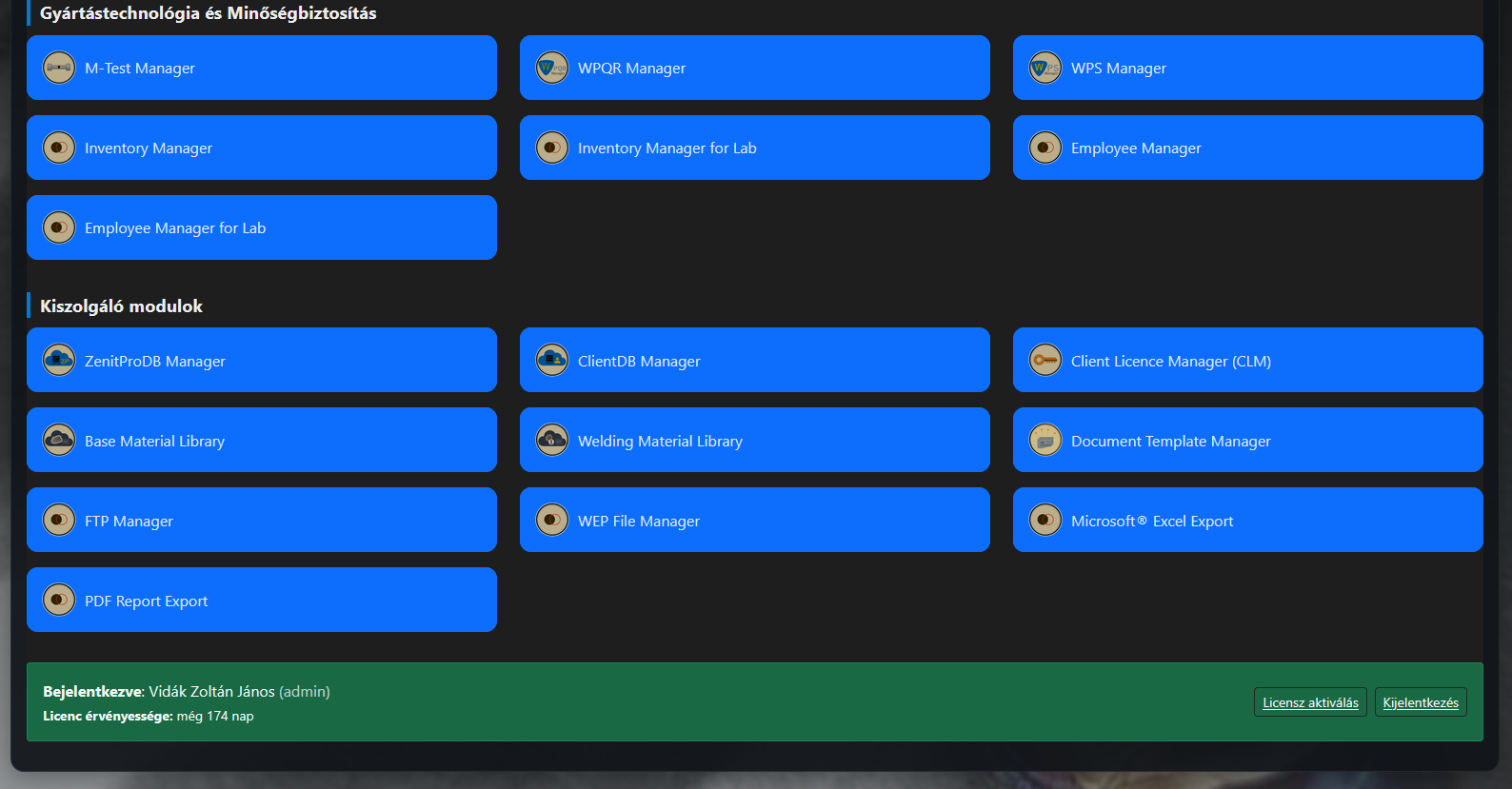
WeldExp Modules Desktop.
Base Material Library – BML and BML+
Database supporting search, comparison, selection and reuse of technical base-material data.
Base Material Library manages standardized data for base materials that can be used in welded structures and other technical applications. The database makes materials searchable together with their associated standards, material designations, product forms, conditions and technical characteristics.
Available data can include material designations and material numbers, chemical-composition requirements, mechanical and technological characteristics, delivery conditions, dimensional ranges, heat-treatment information, and notes and conditions of use associated with standards.
- searching materials by standard, designation or material number;
- reviewing chemical-composition requirements;
- examining mechanical properties and size-dependent requirements;
- managing delivery and material conditions;
- displaying standard notes and limitations;
- reviewing related and alternative material classifications;
- transferring material data to other WeldExp modules.
BML data can be used in engineering calculators, welding documentation, material registers and technology-planning workflows. As a result, the technical characteristics of a base material do not have to be entered repeatedly for every calculation or document.
Both BML and the extended BML+ variant are intended to ensure that base-material selection is based not only on a name but also on the available technical requirements and relationships.
BML Screenshots
Screenshots of Base Material Library.
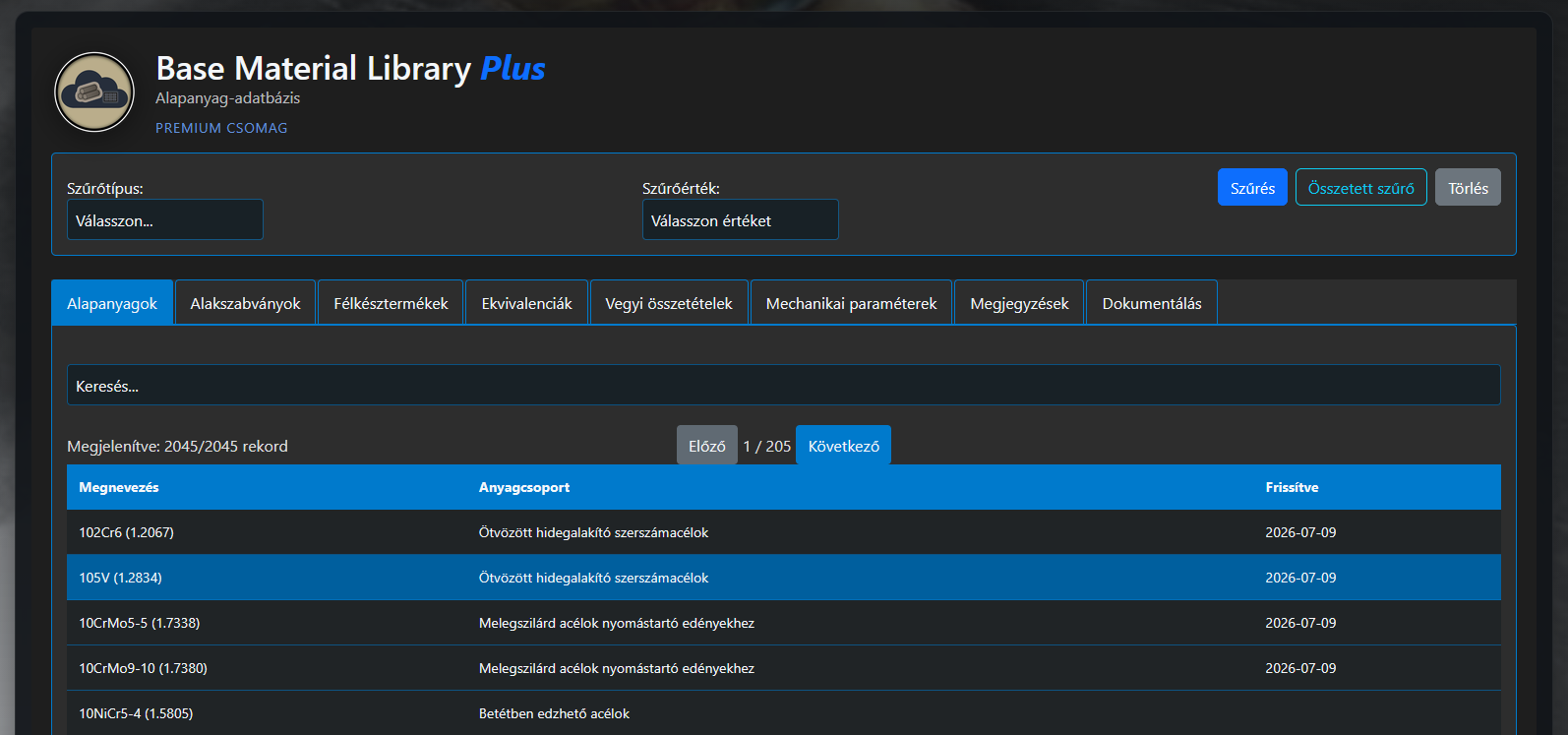
BML application – showcase image 1. 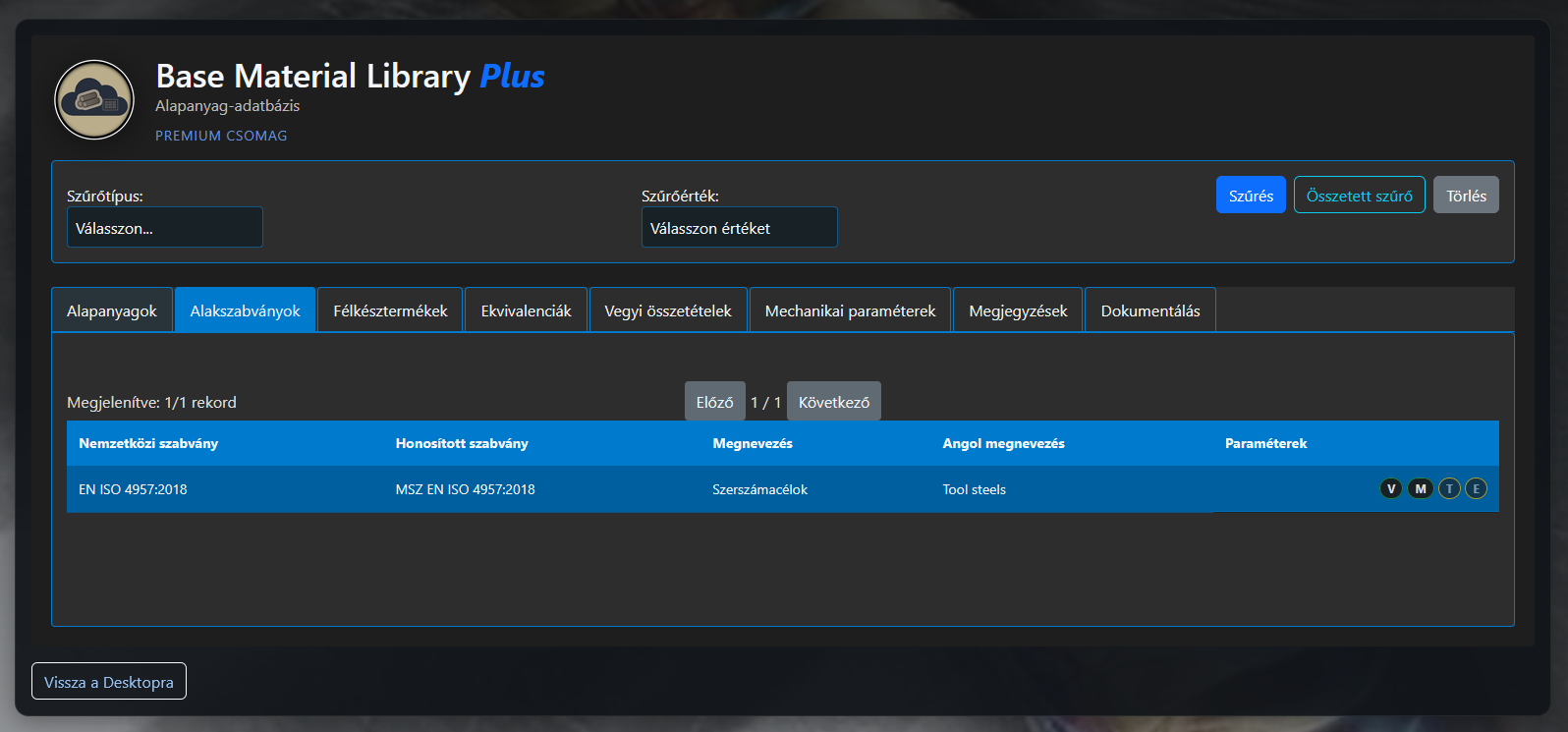
BML application – showcase image 2. 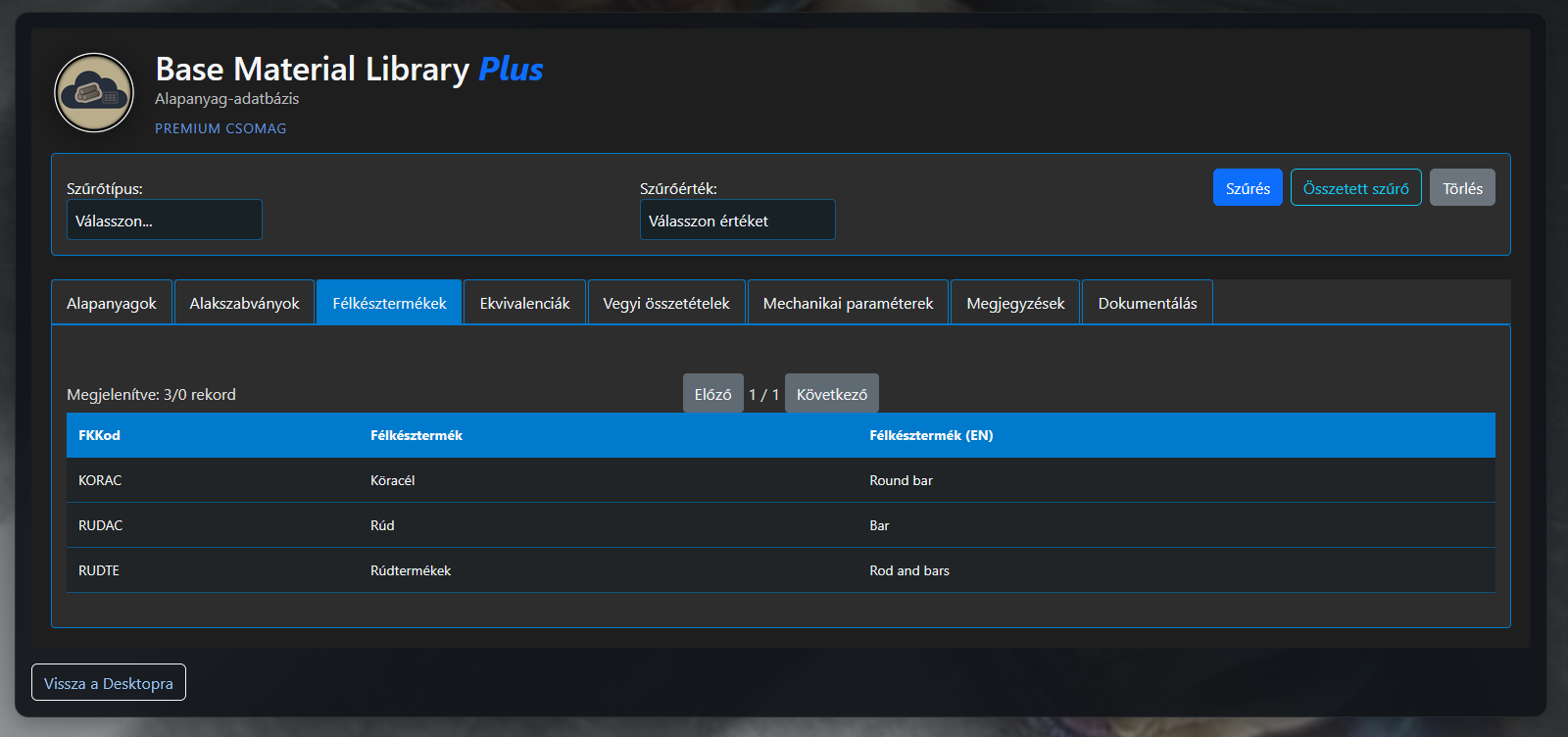
BML application – showcase image 3. 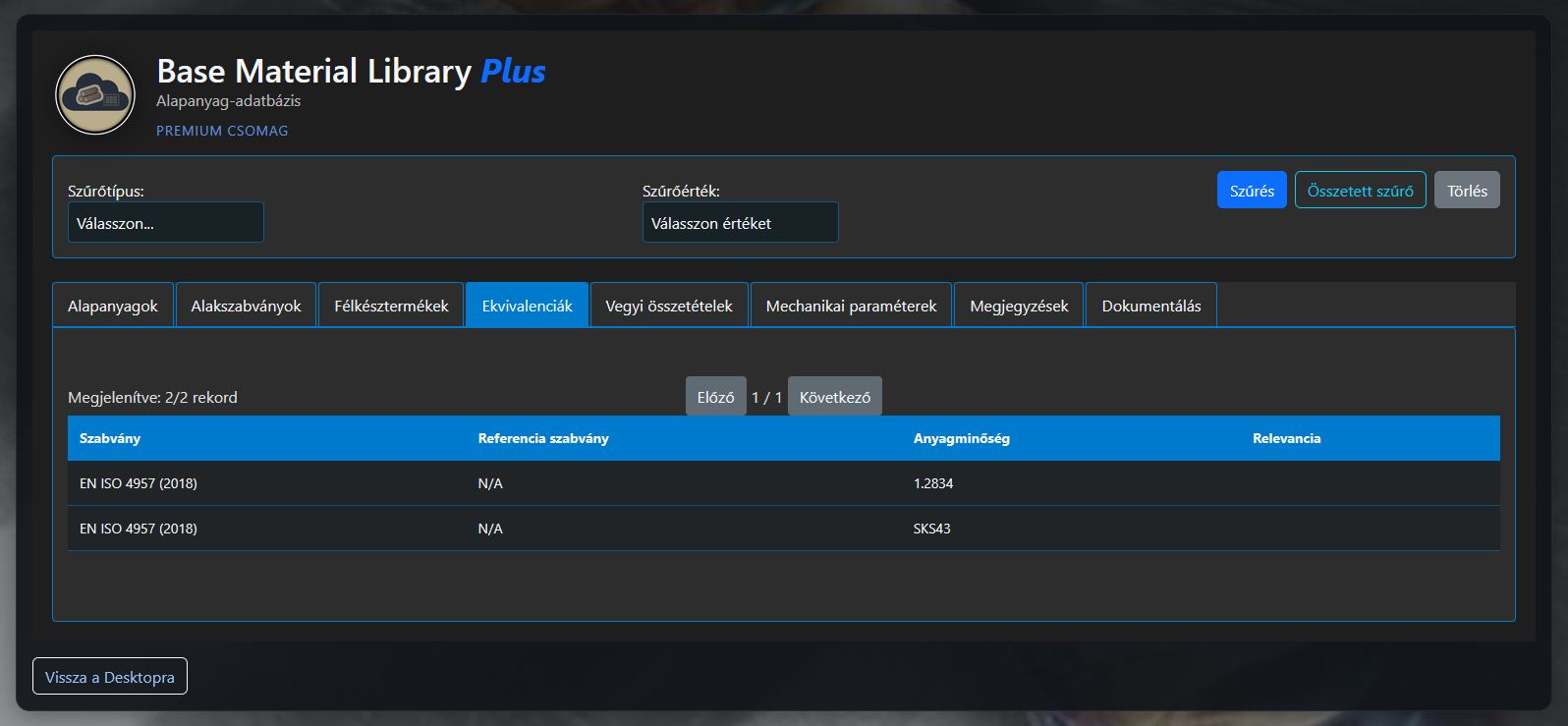
BML application – showcase image 4. 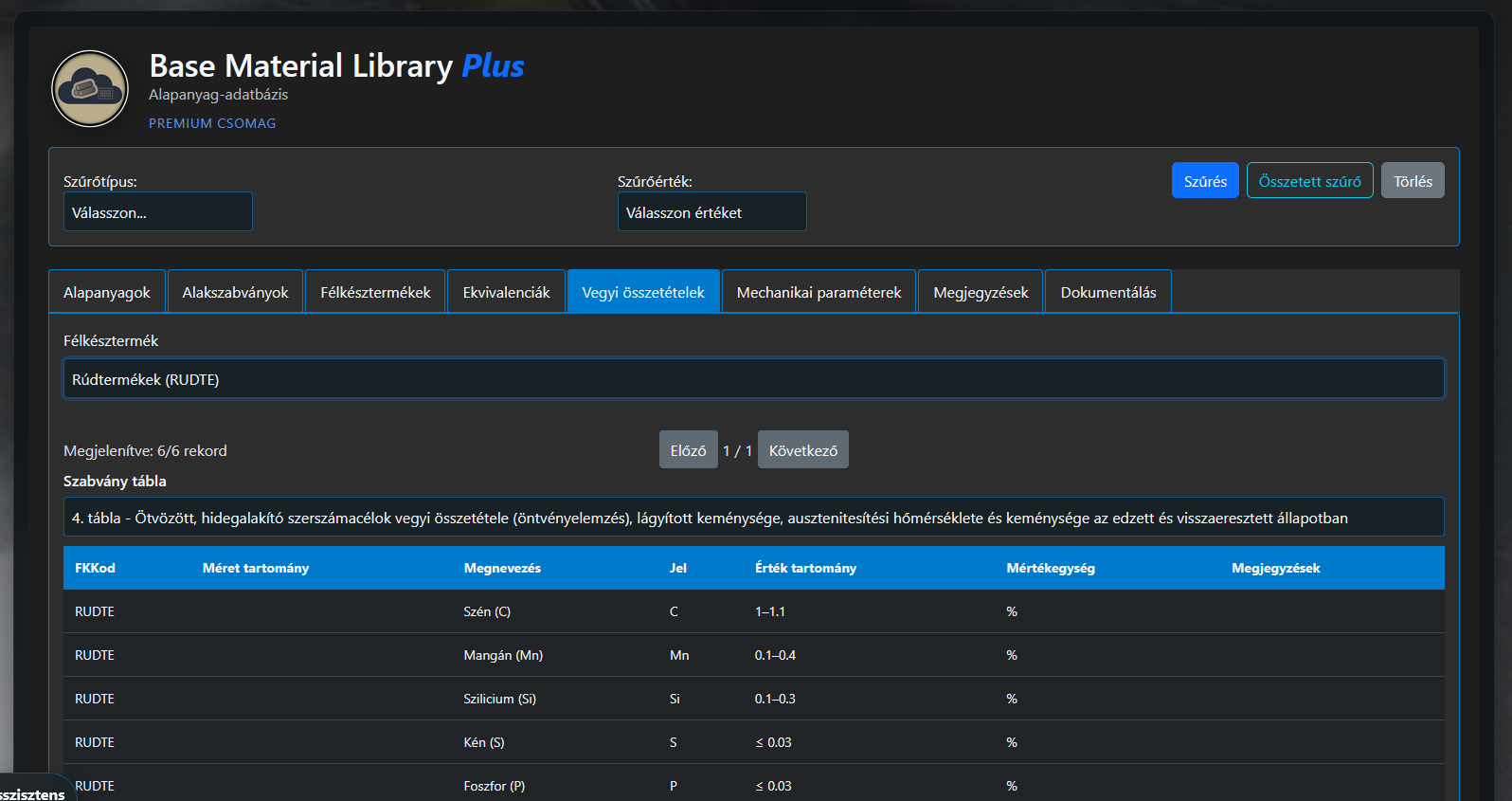
BML application – showcase image 5. 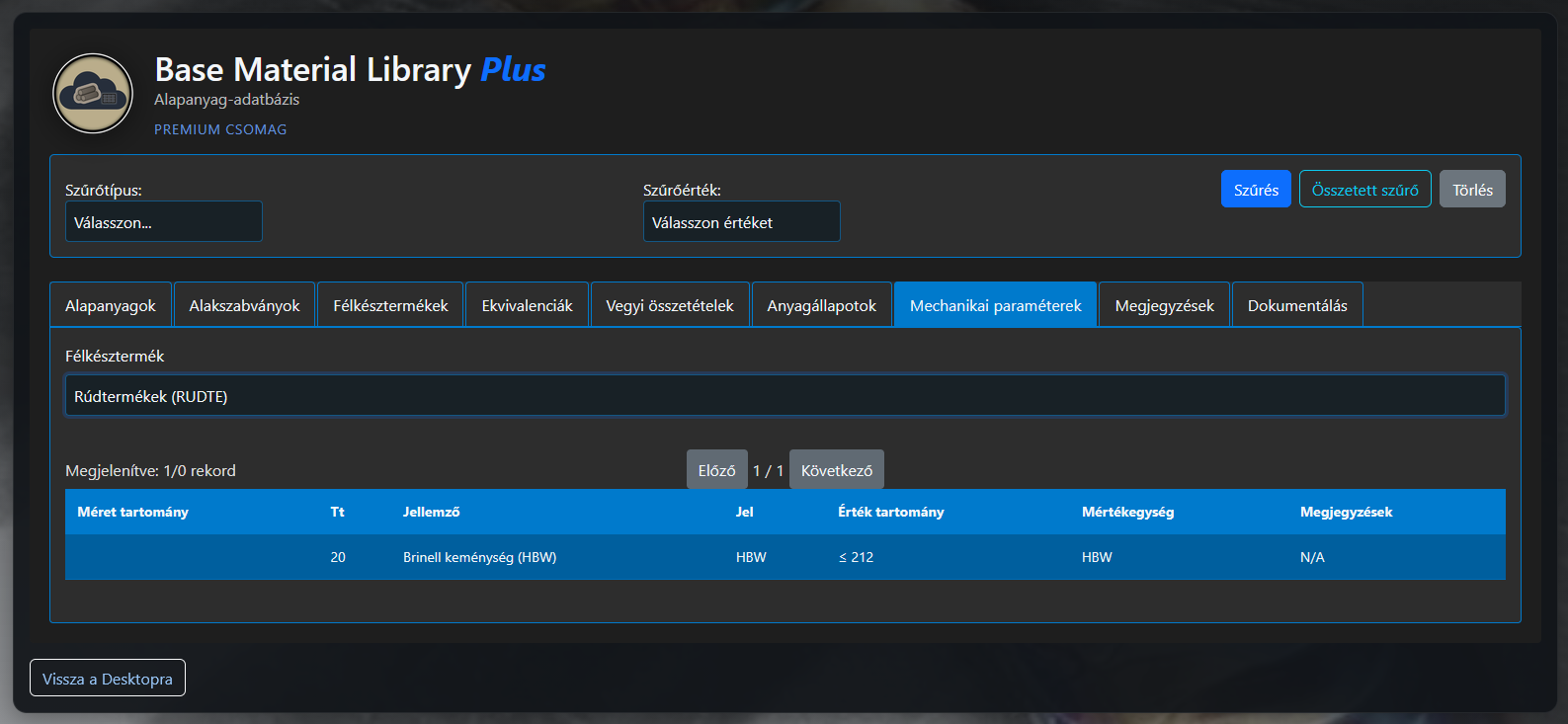
BML application – showcase image 6. 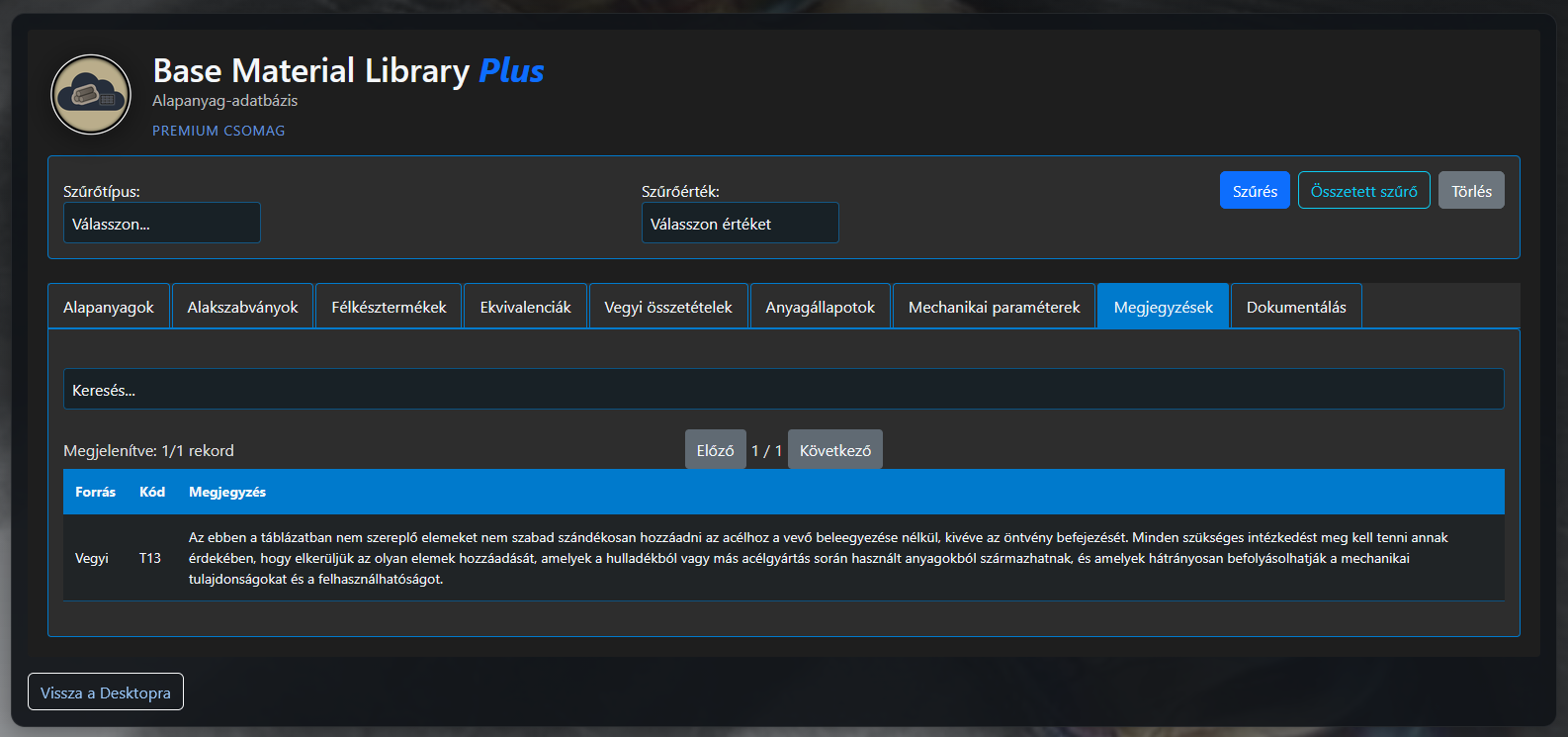
BML application – showcase image 7. 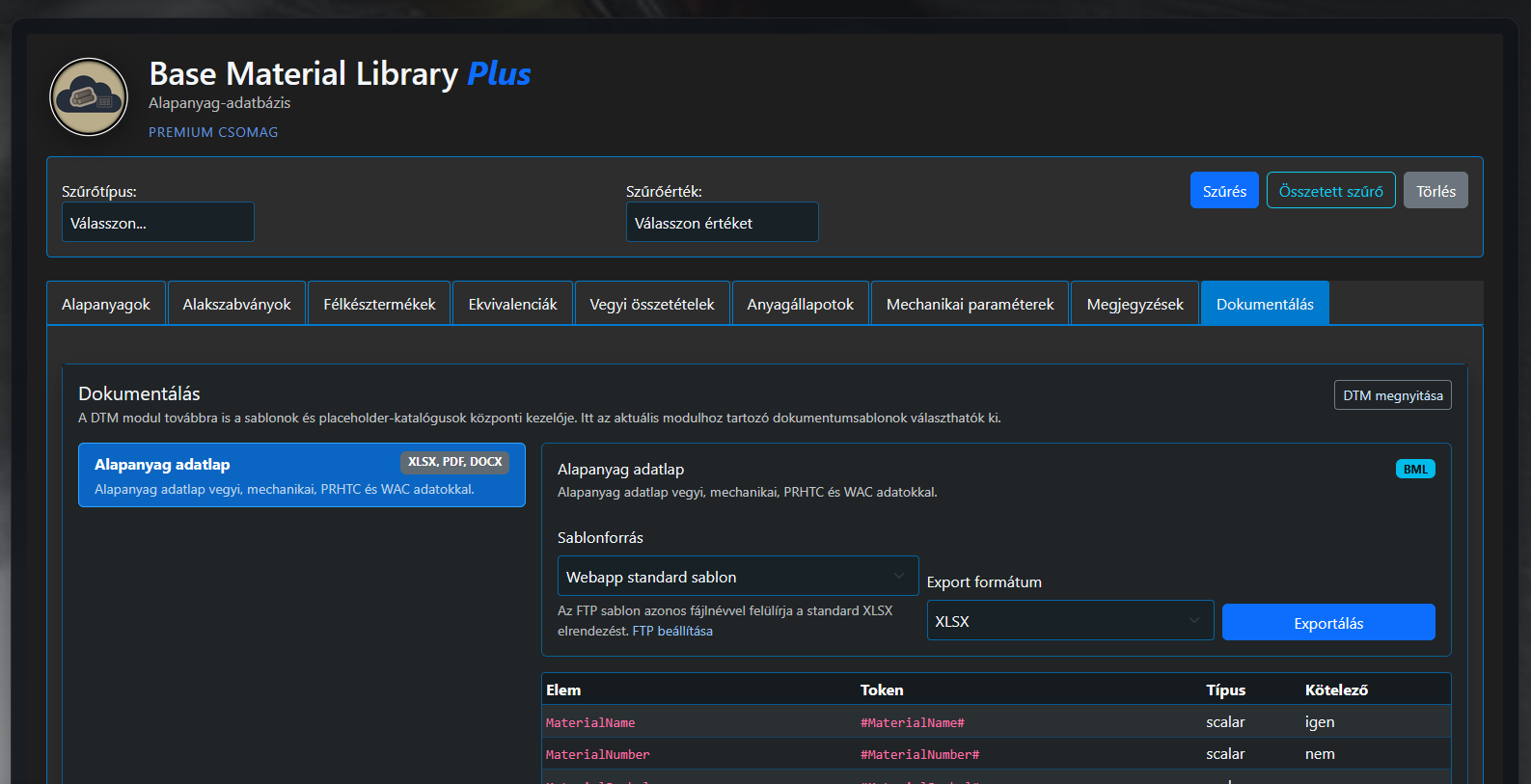
BML application – showcase image 8.
Use the WeldExp database web browser in your work. Search for your welding consumable or obtain information about other materials. The database is continuously expanded and updated. The service is FREE and is available after REGISTRATION on the website.

Welding Material Library – WML and WML+
Database supporting search, technical comparison and task-oriented selection of welding consumables.
Welding Material Library manages standard classifications, manufacturer product data and application characteristics of welding consumables in a unified, searchable system. Its purpose is to make information from different standards, product designations and technical data sheets available in a clear form.
Information managed in the database can include consumable type, standard classification, manufacturer product name, chemical composition, mechanical properties of the deposited weld metal, applicable welding process, polarity, shielding gas, welding position and other technology data.
- searching welding consumables by standard classification;
- linking manufacturer products to standard classes;
- comparing chemical and mechanical characteristics;
- examining applicable welding processes and technology conditions;
- managing shielding-gas, polarity and position information;
- supporting selection for base materials and application tasks;
- transferring welding-consumable data to documentation and calculation modules.
WML supports selection of a technically appropriate welding consumable and helps compare products with similar classifications. Selected data can be used in welding procedure specifications, calculators, bills of materials and other documentation modules.
By managing welding-consumable data in a shared system, WML and the extended WML+ variant help ensure that consistent and verifiable information is available during technology planning.
WML Screenshots
Screenshots of Welding Material Library.
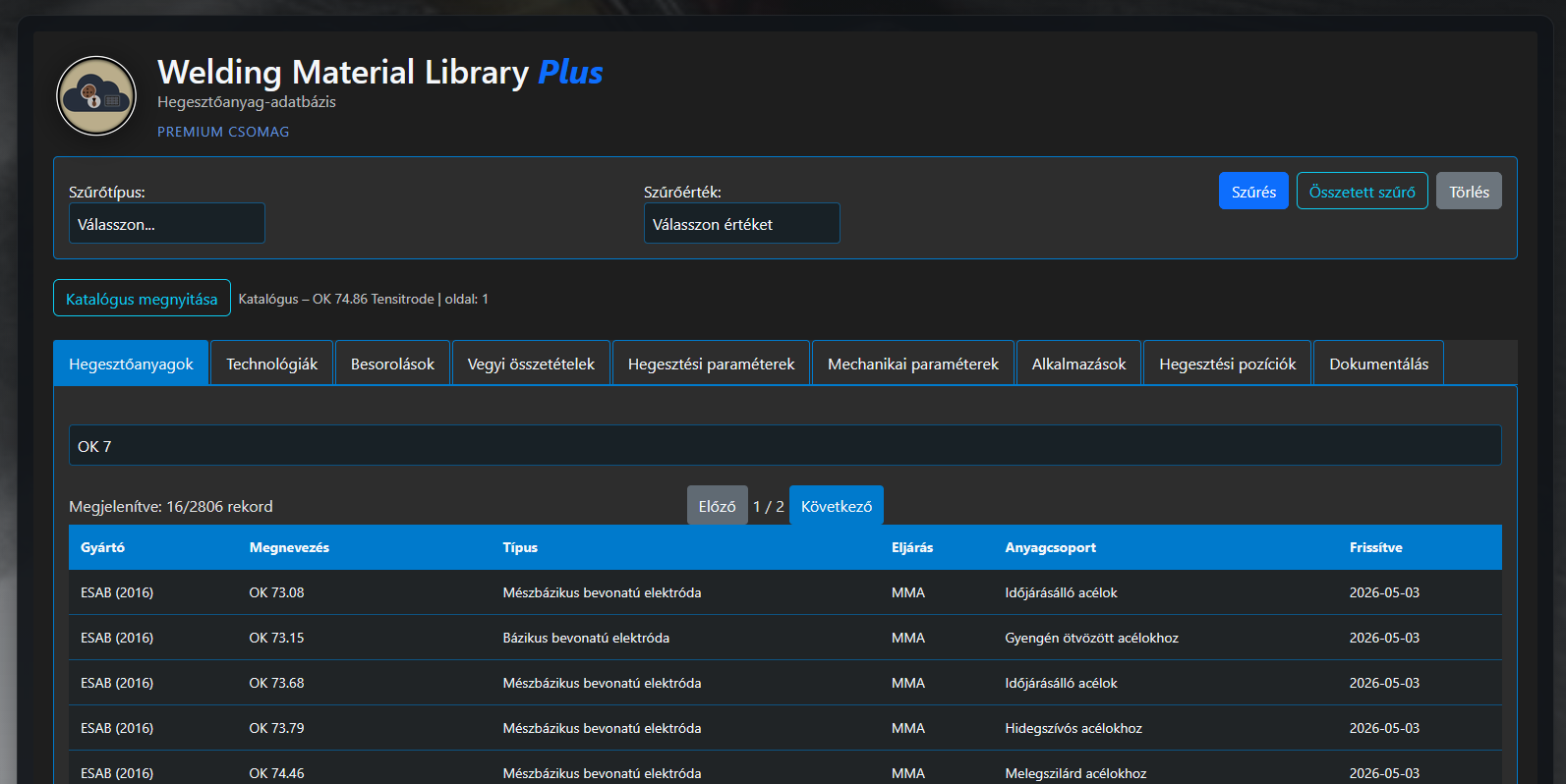
WML application – showcase image 1. 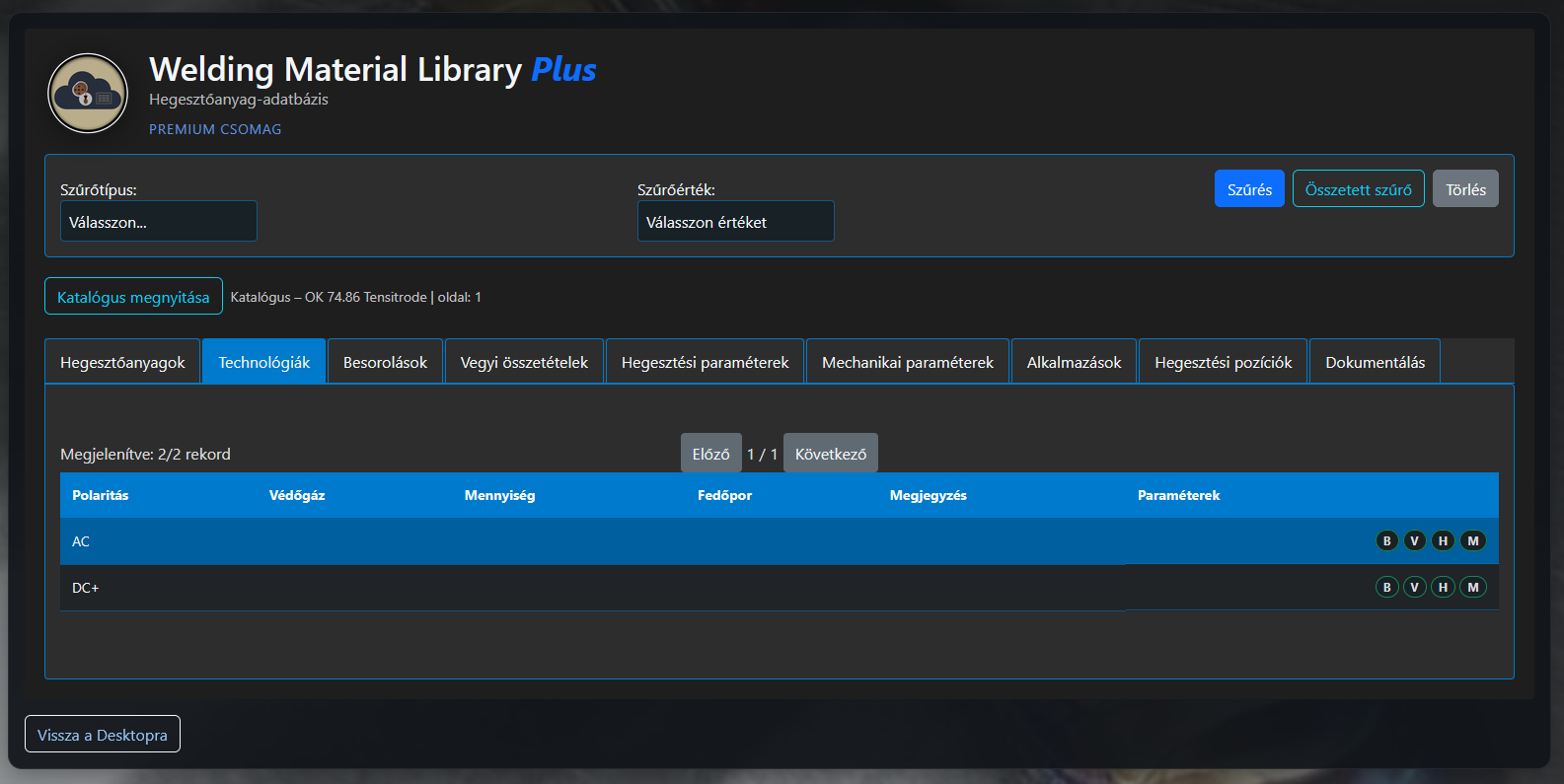
WML application – showcase image 2. 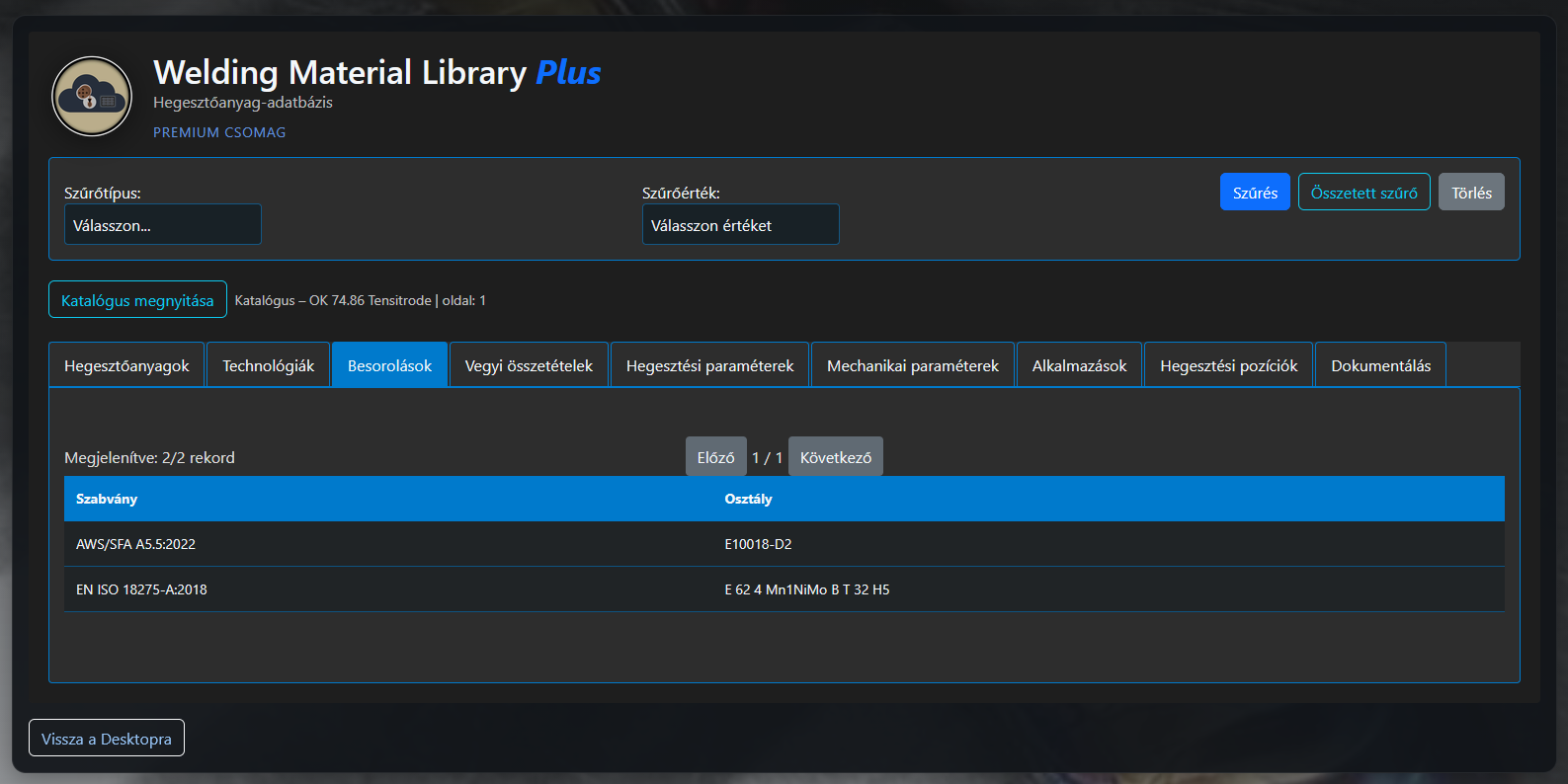
WML application – showcase image 3. 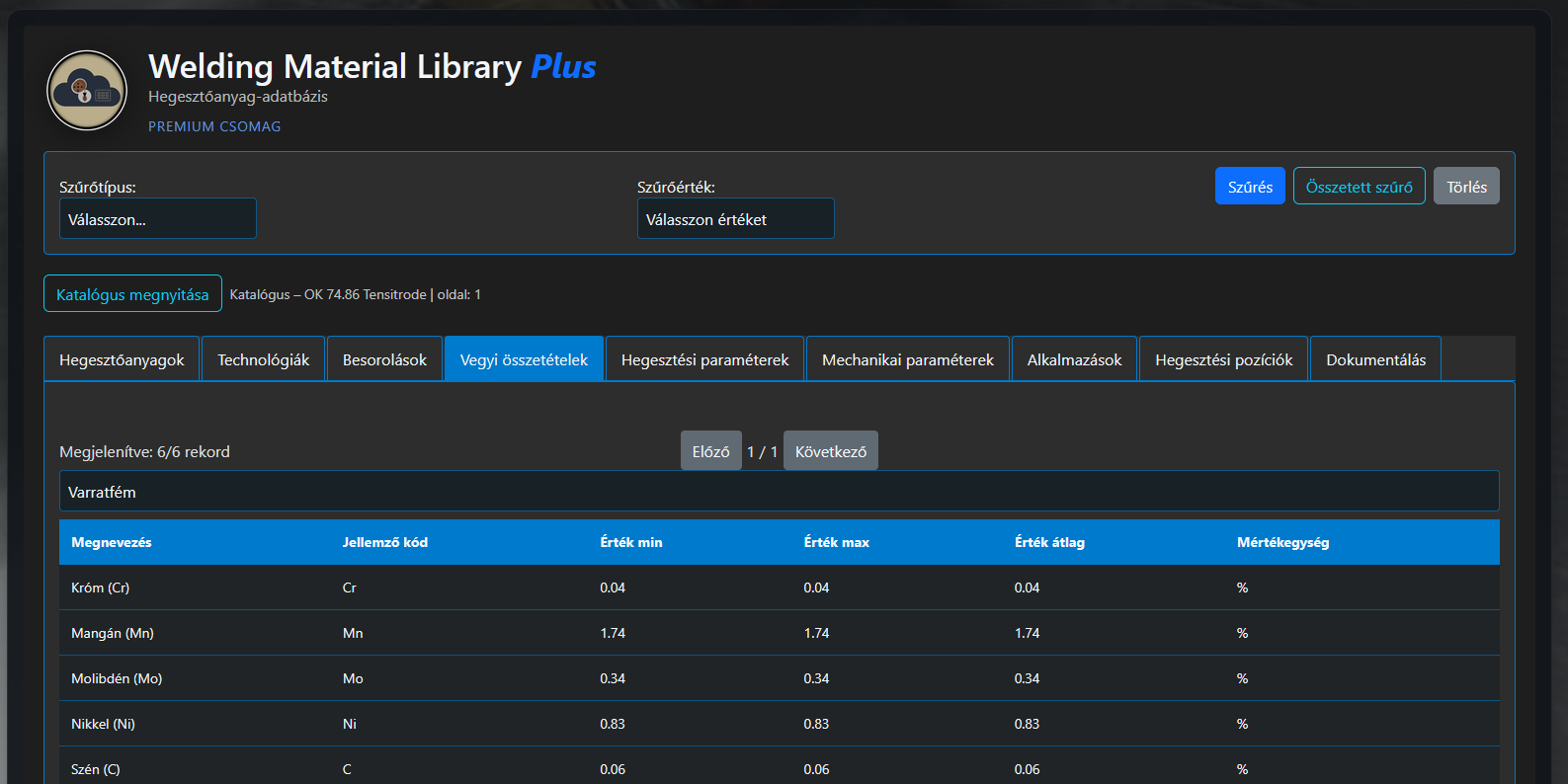
WML application – showcase image 4. 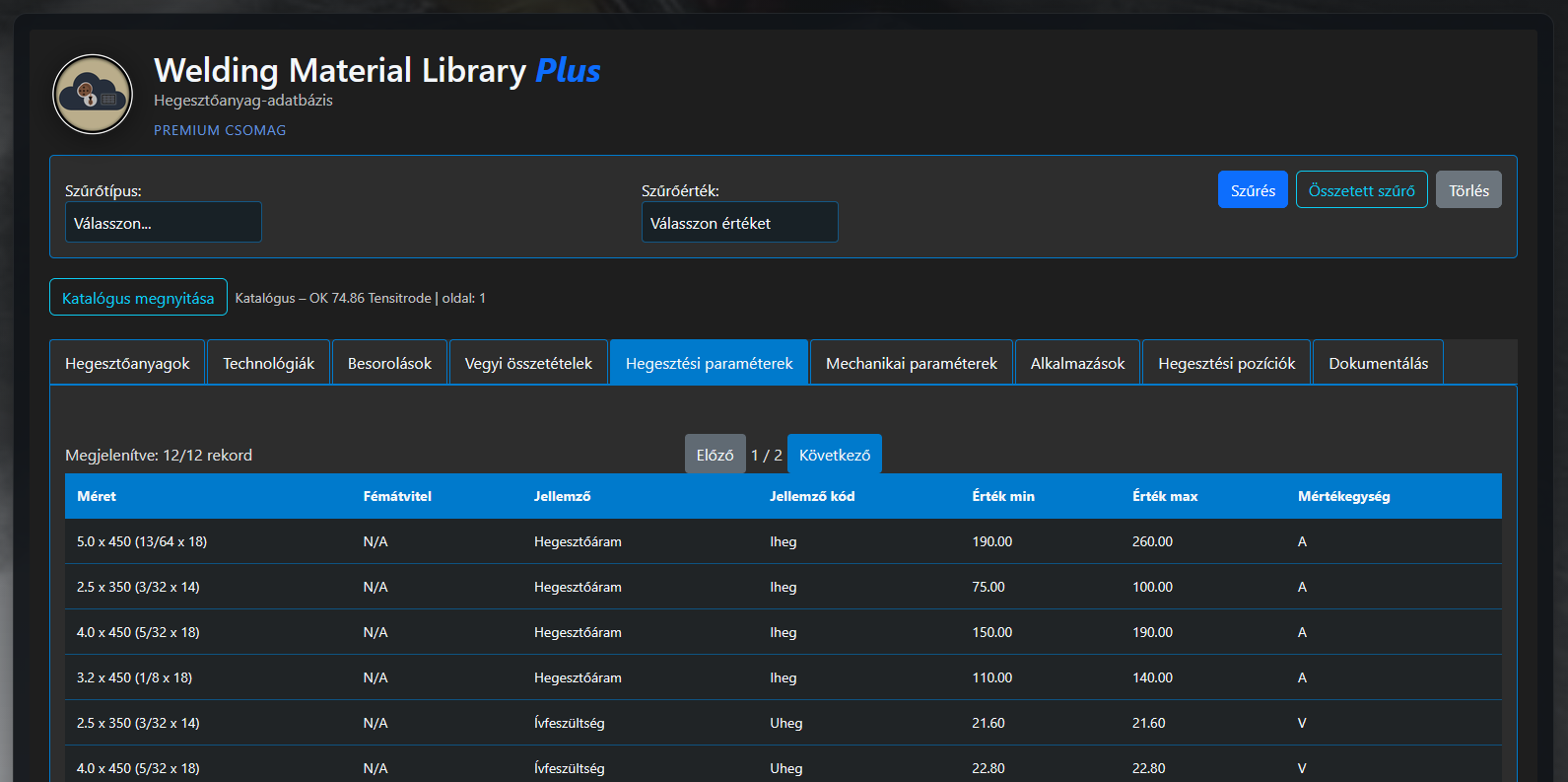
WML application – showcase image 5. 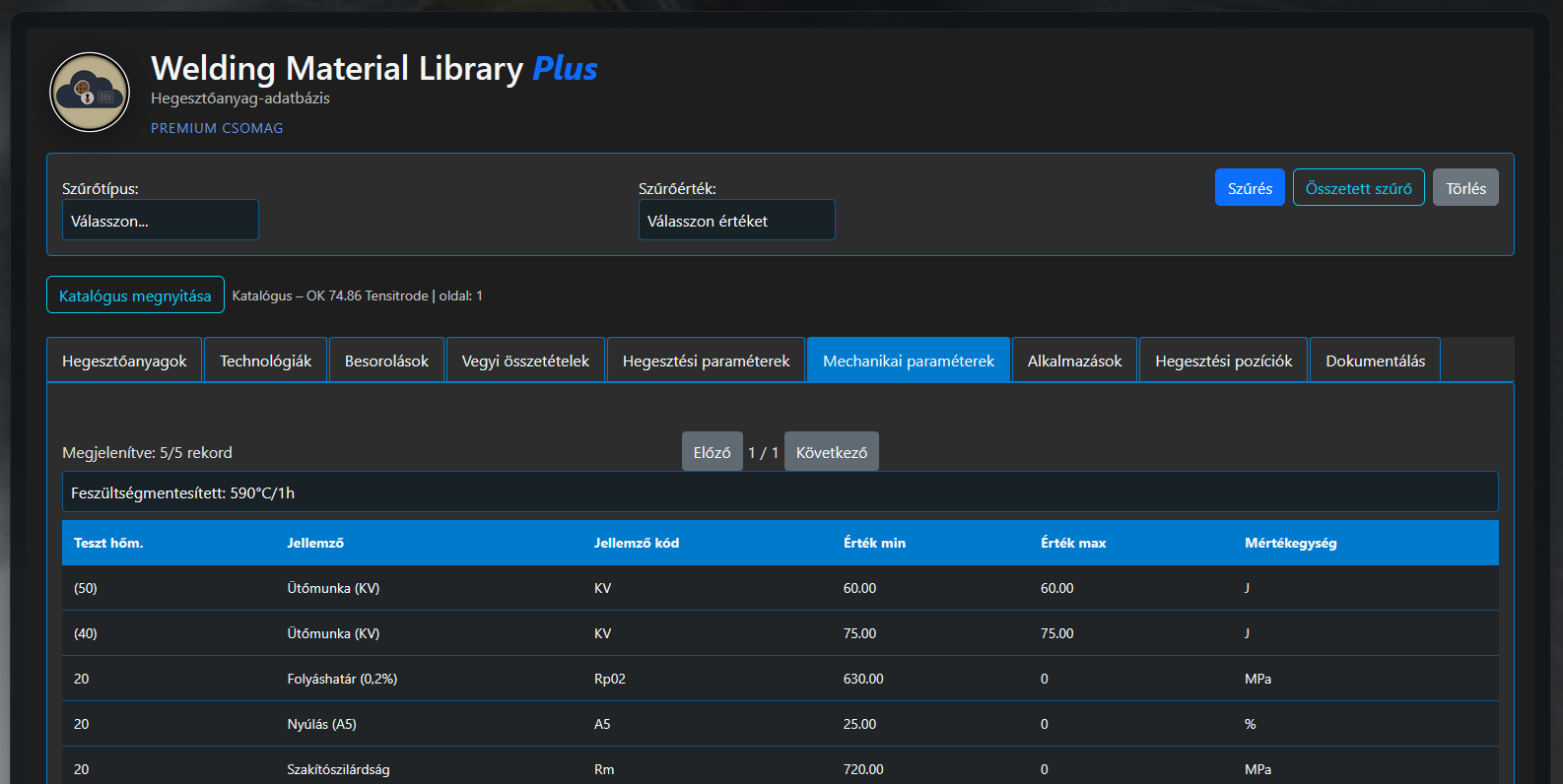
WML application – showcase image 6. 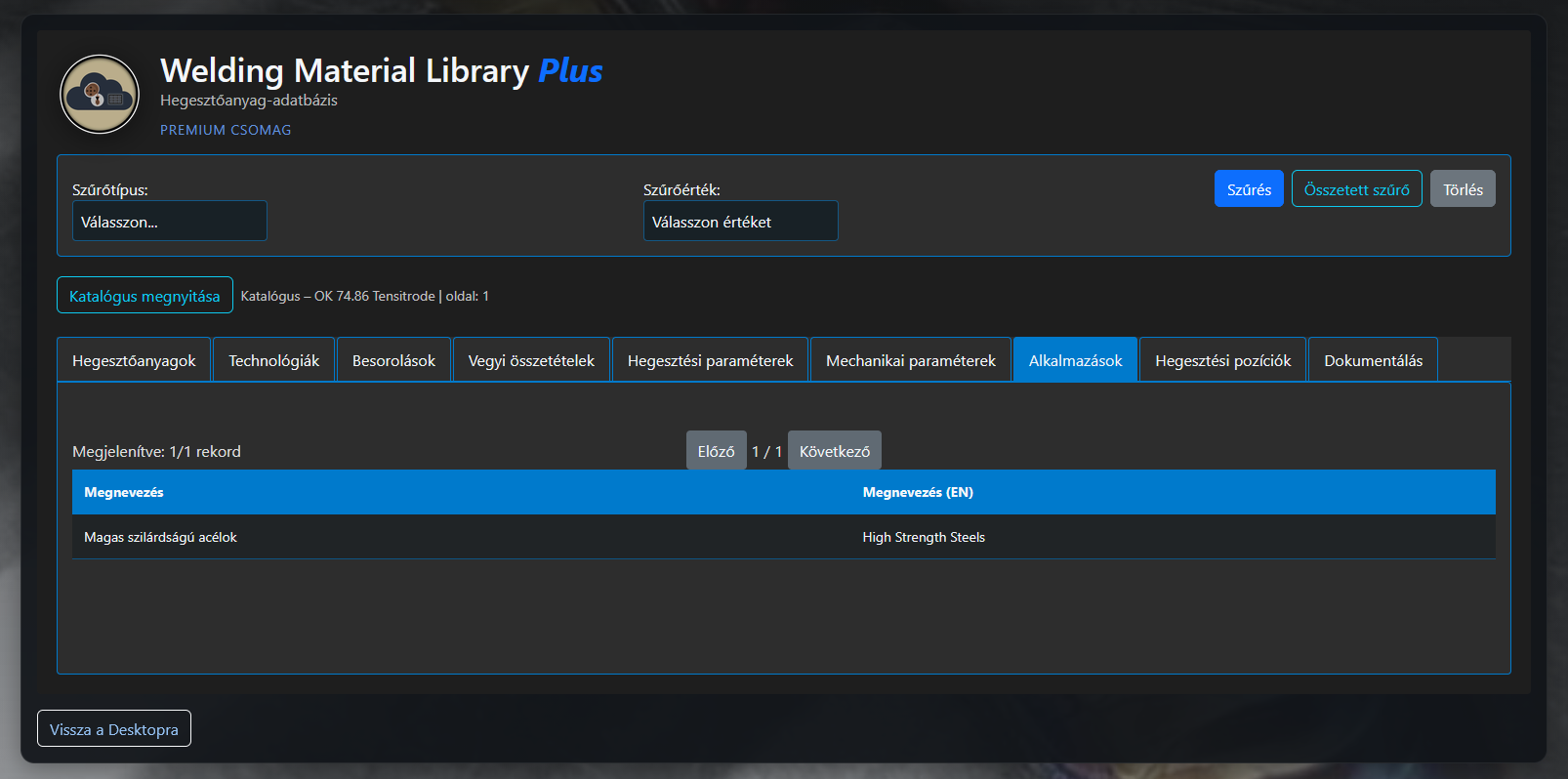
WML application – showcase image 7. 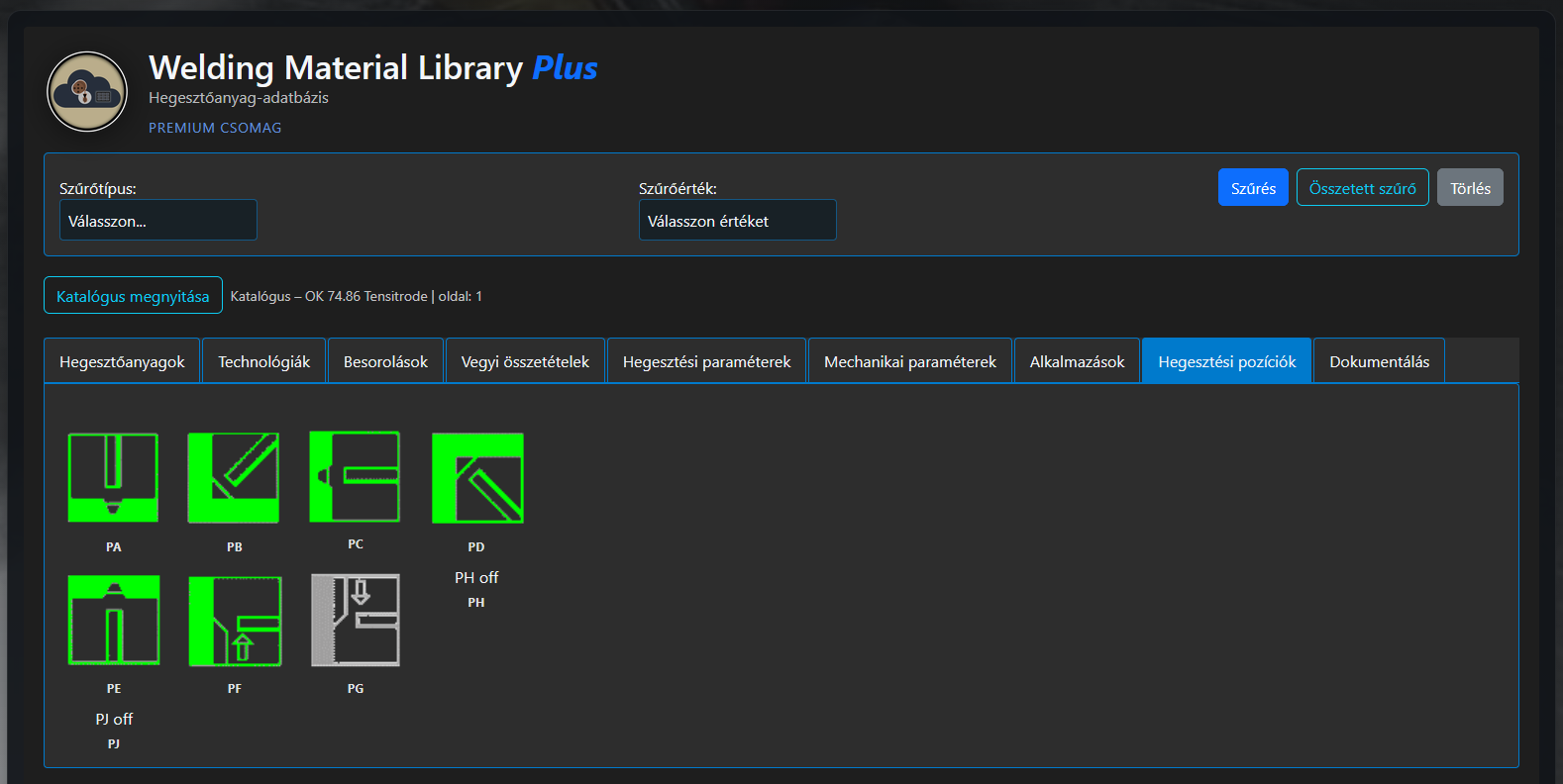
WML application – showcase image 8. 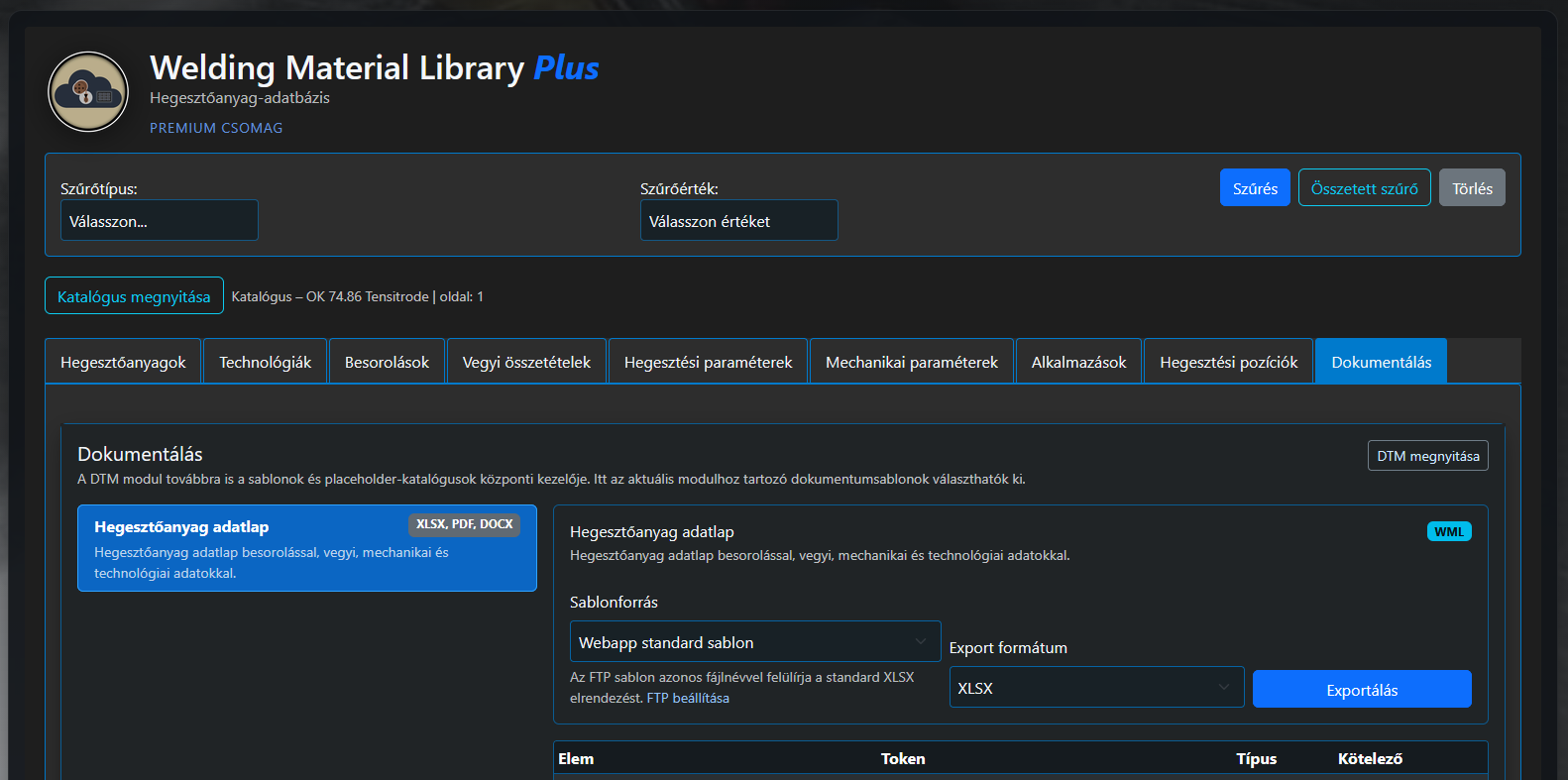
WML application – showcase image 9. 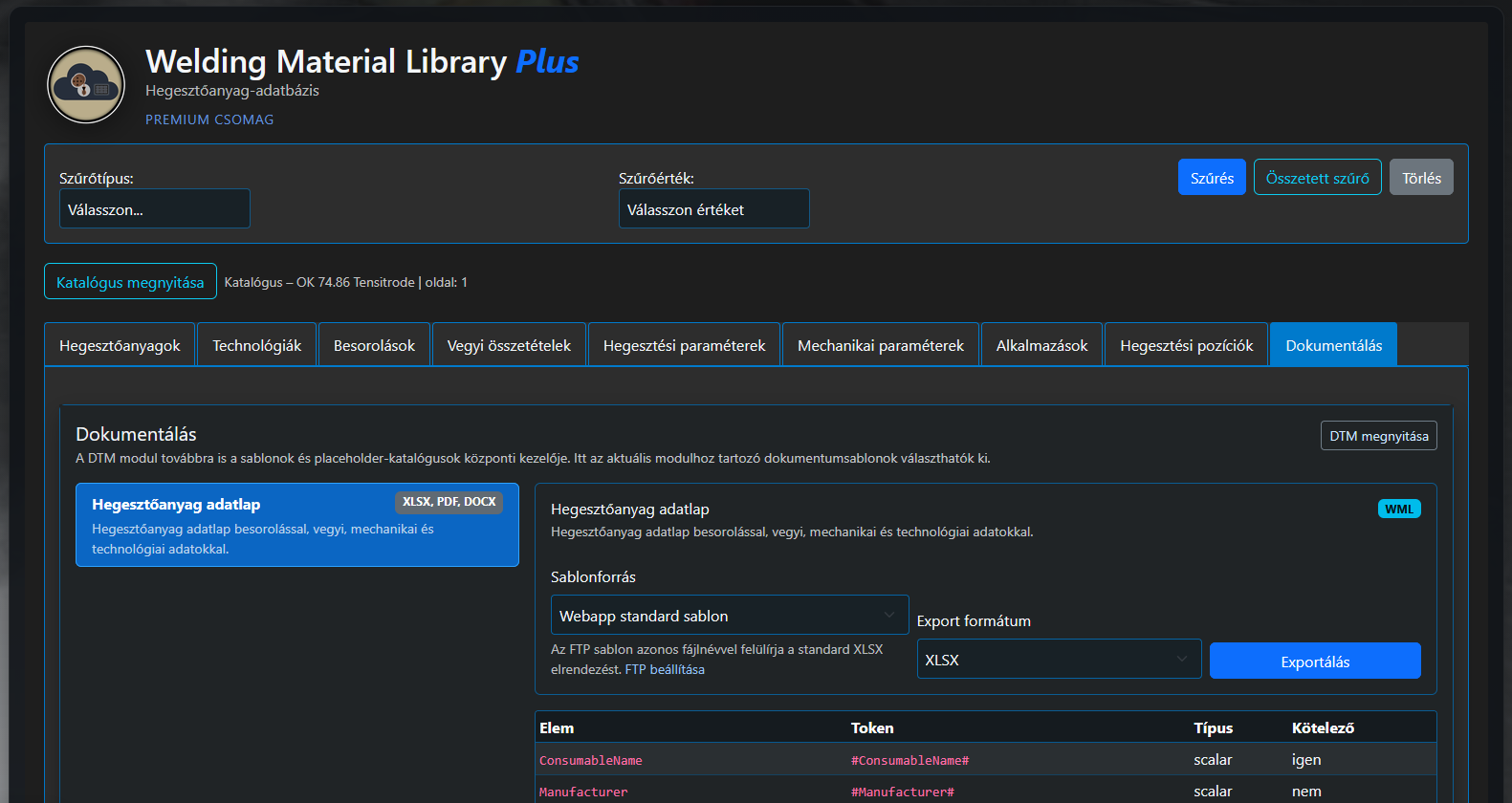
WML application – showcase image 10.
Use the WeldExp database web browser in your work. Search for your welding consumable or obtain information about other materials. The database is continuously expanded and updated. The service is FREE and is available after REGISTRATION on the website.

Client Database (CDB)
Shared backend database for a user or organization's own business, technical and workflow data.
Client Database manages data generated during use of WeldExp modules and the user's own data that is reused regularly. While BML and WML primarily provide shared technical databases, CDB stores registers belonging to a particular user, business or organization.
These may include, among other things, customers, partners, projects, work numbers, workpieces, structural elements, own materials, welding consumables, welding personnel, equipment, tests, documents and other regularly used master data.
- management of customer and partner data;
- registration of projects and work numbers;
- storage of data for workpieces and structural elements;
- management of own base-material and welding-consumable data;
- registers related to personnel, equipment and tests;
- creation of relationships between documents and workflows;
- provision of shared data to several WeldExp modules.
Using a shared database allows the same customer, project, material or workpiece to be selected in several documents and applications. This reduces repeated data entry, lowers the risk of typing errors and inconsistent registers, and makes later retrieval of data easier.
CDB also creates a connection between engineering calculations, documentation modules and company registers, allowing information created in the WeldExp system to be organized into a unified workflow.
Document Template Manager (DTM)
Module supporting organization, selection and application assignment of WeldExp document templates.
Document Template Manager brings together templates used for different reports, welding procedure specifications, test documents, data sheets and other technical forms. It means that document-generating modules do not need to implement separate, independent template-management systems.
Templates can be organized by document type, application area, language, format or other properties. Data fields and WeldExp modules from which the document content can be generated can be assigned to the selected template.
- shared register of document templates;
- grouping templates by document type;
- management of variants in different languages and layouts;
- assignment of templates to documentation modules;
- definition of data fields and fill positions;
- support for selection of company or user templates;
- creation of a consistent document appearance.
With DTM, the same documentation module can produce documents with different layouts or adapted to an organization's visual identity. Technical content is provided by related WeldExp modules, while the template defines its structure and appearance.
Central template management makes it easier to standardize documents, maintain template variants and introduce new document types later.

Client Licence Manager (CLM)
Background service for managing WeldExp application licences, permissions and device activations.
Client Licence Manager checks which WeldExp applications and functions a user is authorized to use. By managing licence information centrally, individual modules do not need independent activation and permission-management systems.
The service manages licence activation, periodic validation, validity and release. Activation can link the licence to the user, subscription, application and authorized device.
- validation of licence keys and subscriptions;
- determination of application and module permissions;
- registration of device activations;
- checking licence validity periods;
- release and transfer of activations;
- communication between desktop applications and the central licence service;
- restriction of unauthorized or invalid access.
Using a licence on another device may require release of the previous activation. This can happen automatically when the application closes normally or manually in the licence-management interface.
CLM does not manage the user's engineering data; its purpose is to ensure that WeldExp modules are available according to the purchased or authorized licence package.
ZDB Admin
Internal administration application supporting development, checking, export and maintenance of Zenit Programs databases.
ZDB Admin is a developer and database-administration interface used to review the databases behind WeldExp and other Zenit Programs applications. It allows authorized users to inspect database structure, table contents and relationships between data.
The application also supports running and saving SQL queries, performing data checks, and preparing data and structure exports in different formats. This simplifies development, troubleshooting, migration and data-maintenance tasks.
- review of databases, tables and fields;
- searching, filtering and inspecting table data;
- running custom SQL queries;
- saving and reloading frequently used queries;
- exporting data and database structures;
- creating complete database backups and packaged exports;
- supporting data-quality and structural checks;
- preparing development and maintenance operations.
ZDB Admin is not a general user module but a development and administration tool. Available operations can directly affect database content and operation, so its use requires appropriate permissions and controlled access.
The application plays an especially important role in continuous expansion of WeldExp databases, checking standard data, preparing database exports and supporting development of new or modified data structures.